A practical POS for grocery stores, rice retailers, and neighborhood shops
AscendPOS
Run your store with confidence

Every sale.
Every kilo.
All in one place.

Checkout, inventory, refunds, customer balances, staff shifts, and daily profit in one straightforward system for growing stores.

Windows companion Multi-store tools 58 / 80 mm receipts
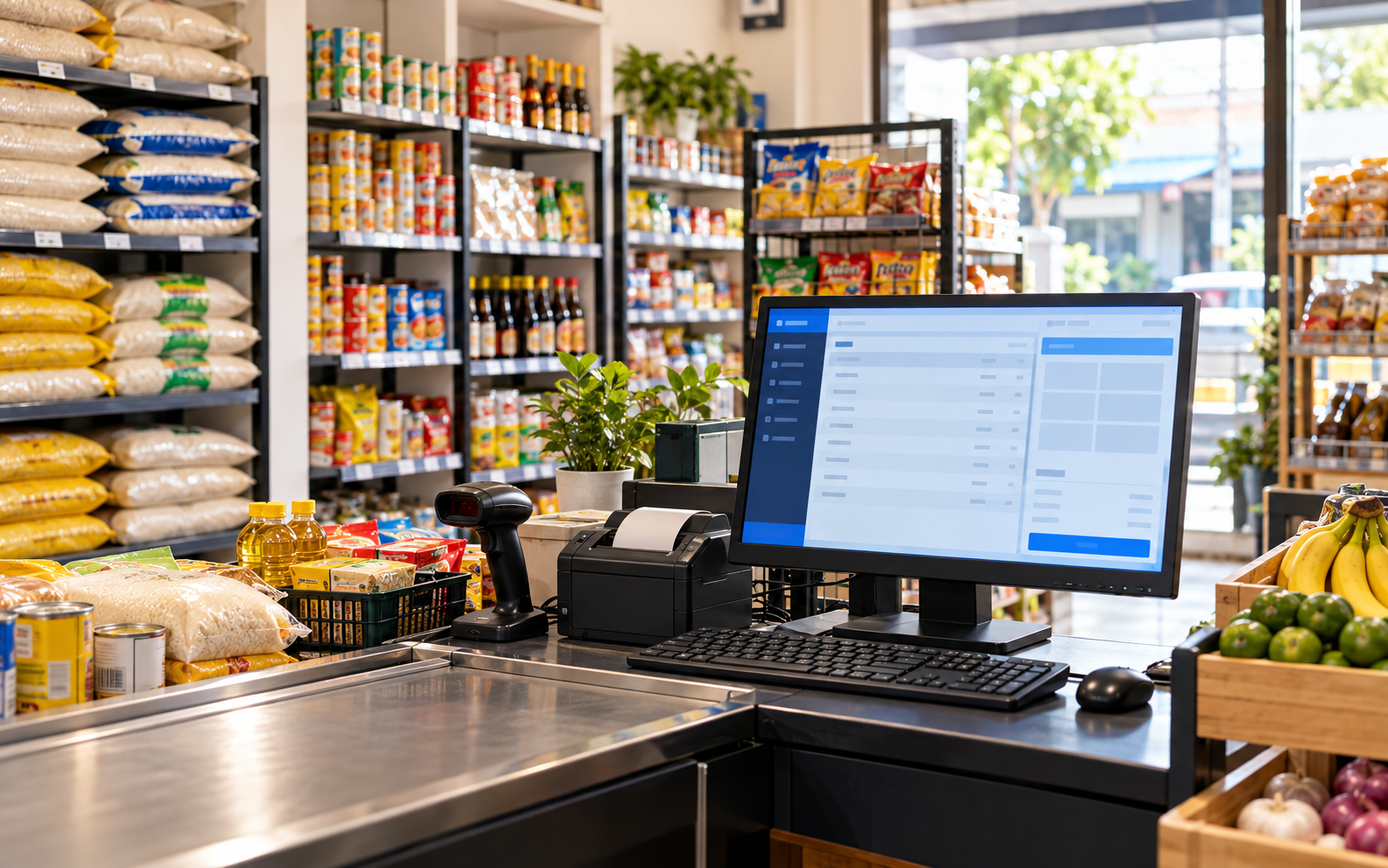
Grocery checkout with a desktop POS, barcode scanner, receipt printer, and rice products
Stock and sales togetherFrom checkout to daily reports
Checkout Kg sales Inventory Receipts Reports Licensed Windows app
ONE WORKSPACE FOR THE WHOLE STORE

The tools behind every busy day.

Designed around the details that matter at the counter and after closing.

01

Checkout that keeps up

Scan barcodes, sell rice by the kilogram, choose cash or other payment methods, and show the right change.

  • Fast product search and cart
  • Cash, debit, credit, and other payments
  • Owing sales with customer and promised date

02

Stock you can trust

Receive deliveries and see what is on hand, nearing expiry, or ready to reorder.

  • Products, pricing, and stock adjustments
  • Suppliers, purchase invoices, and dated batches
  • Physical counts and discrepancy audit
03

A clearer daily picture

See completed sales, costs, tax, expenses, and net income by day and payment method.

  • Daily reports and printable PDF
  • CSV exports for products, stock, sales, and expenses
  • Cashier shift counts and cash variance
04

Controls for your team

Give each person the right workspace for their job across one or more stores.

  • Admin, cashier, and inventory manager roles
  • Separate inventory for new stores
  • Staff access and password controls
WHAT YOU GET

A working counter and a useful back office.

Your licensed package includes the Windows companion for your checkout PC and access to the hosted POS. The view shown here illustrates the real categories of information in the app.

Product catalog and stock Sales, tax, costs, and profit Cashier and manager accounts Printable receipts and reports
Main store / Overview
Store overview Today at a glance
Net sales₱12,840Today
Net profit₱3,460After costs
Low stock04Needs review
Recent itemQuantityStatus
Premium rice2.500 kgCompleted
Grocery basket8 itemsCompleted
Customer owingPendingAwaiting payment
Illustrative data · actual figures come from your store
BUILT FOR THE REAL WORK

Small details make a big difference.

Ready for receipts

58 mm or 80 mm layouts with your store name and contact details. Print or save as PDF.

Refund with stock restoration

Return selected products or quantities and choose whether sellable goods go back into inventory.

Rice by weight

Price and count kilogram products to three decimal places, including purchases and partial returns.

Owing, then paid

Track who owes, the promised payment date, and the balance. Revenue is recorded when payment arrives.

Store-level records

Add another store with clean inventory while keeping its sales and stock separate.

Windows cashier mode

An optional Windows installer opens the POS at sign-in in full screen with cashier controls restricted.

FROM ORDER TO OPENING DAY

Get set up in three steps.

  1. 01

    Request a license

    Choose monthly or annual billing and enter your store and email to receive an order reference.

  2. 02

    Pay securely with Stripe

    Complete checkout with the same email. After we verify payment, your activation key and private admin login are emailed to you.

  3. 03

    Activate your checkout PC

    Enter the key on one Windows computer, sign in, and change your temporary admin password.

START YOUR STORE

Ready for a cleaner checkout?

Choose monthly or annual billing, then continue to Stripe. We verify your first payment before creating your store and issuing credentials.

Card details are entered on Stripe’s secure checkout page. Use the same email on both steps.

Choose your subscription

Choose a plan and enter your store details. Review the final charge and renewal terms in Stripe before paying.

Billing term
No payment is taken until you continue to Stripe. Your subscription price and terms appear at checkout.